
How to Mount a TV on the Wall Safely and Easily (Complete Guide)
Picture this: you just bought a gorgeous new TV, and it’s sitting on that bulky entertainment center taking up half your living room. You know it would look so much better mounted on the wall, but the thought of drilling into drywall and potentially dropping an expensive piece of electronics is making you sweat a little.
I get it. The first time I mounted a TV, I triple-checked everything and probably spent way too long making sure it was perfectly level. But here’s the thing-mounting a TV isn’t nearly as scary as it seems. With the right approach and a little patience, you’ll have that screen hanging securely in no time.
Let me walk you through exactly how to do it safely and correctly.
Why Wall Mount Your TV Anyway?
Before we get into the nuts and bolts, let’s talk about why this project is worth your time. Wall mounting your TV frees up floor space, gives your room a cleaner look, and honestly just makes everything feel more modern. Plus, you can adjust the viewing angle perfectly, and if you’ve got kids or pets, getting that TV off a wobbly stand is a smart safety move.
Choosing the Right TV Wall Mount
Not all TV mounts are created equal, and picking the wrong one is mistake number one for most people.
Types of TV Mounts
Fixed mounts are the simplest and cheapest option. Your TV sits flat against the wall with almost no movement. They’re great for rooms where you’ll always be sitting in the same spot.
Tilting mounts let you angle the TV up or down, which is perfect if you’re mounting it higher than eye level. I used one in my bedroom, and being able to tilt it down toward the bed was a game-changer.
Full-motion or articulating mounts are the fancy ones that swing out and swivel. They’re ideal for corner installations or if you watch TV from multiple spots in the room. Just know they stick out further from the wall.
Checking Compatibility
Here’s what you absolutely need to verify:
- VESA pattern: Those four mounting holes on the back of your TV follow a standard spacing pattern. Measure the distance between them (in millimeters) and make sure your mount matches.
- Weight capacity: Your mount needs to support your TV’s weight with room to spare. Check your TV’s specs-most include the weight in the manual or online.
- TV size range: Mounts specify which screen sizes they work with. A 65-inch TV mount won’t work well with a 32-inch screen.
Everything You’ll Need
Let’s get your toolkit ready. Missing even one item can turn a smooth project into a frustrating one.
Essential tools:
- Stud finder (seriously, don’t skip this)
- Power drill with bits
- Level (a 2-foot level works best)
- Screwdriver set
- Pencil for marking
- Measuring tape
What’s usually in the box:
- Mounting bracket and TV plate
- Lag bolts for studs
- Washers
- Spacers (if needed for your TV)
Helpful extras:
- Painter’s tape for marking
- Cable management kit
- A second person (TVs are awkward to hold)
Finding Wall Studs: Don’t Skip This Part
This is the most critical step, and I’m going to be blunt: if you don’t mount your TV into studs, you’re asking for trouble. Drywall alone cannot support the weight of a TV. I don’t care how many fancy anchors someone tries to sell you.
Run your stud finder horizontally across the wall where you want your TV. Mark each stud location with a pencil. Studs are typically spaced 16 or 24 inches apart. Once you find one, you should find others at those intervals.
Pro tip: knock on the wall as you go. Studs sound solid; empty drywall sounds hollow. It’s old-school, but it works.
If your perfect TV spot doesn’t have studs where you need them, you’ll need to adjust your placement. Trust me on this-it’s better to move your TV a few inches than to watch it crash to the floor.
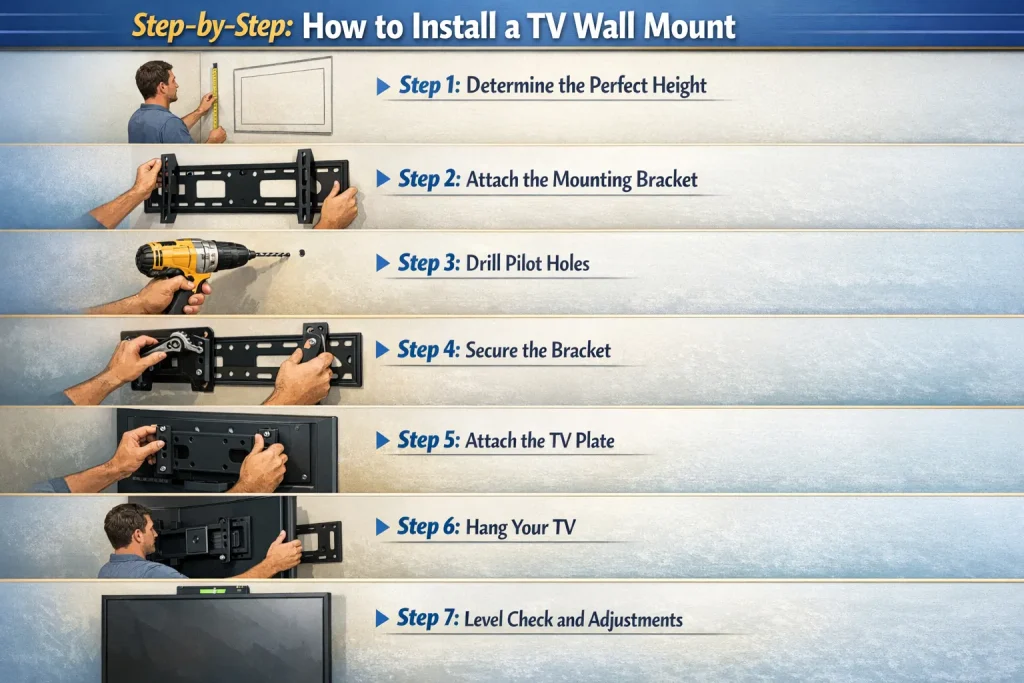
Step-by-Step: How to Install a TV Wall Mount
Alright, let’s get that TV on the wall.
Step 1: Determine the Perfect Height
Stand where you’ll usually sit and look at the wall. Your eye level while seated should hit roughly the center of the screen. For most people, that puts the center of the TV about 42-48 inches from the floor.
Use painter’s tape to outline where the TV will sit. Step back and live with it for a minute. Too high? Adjust now, not after you’ve drilled holes.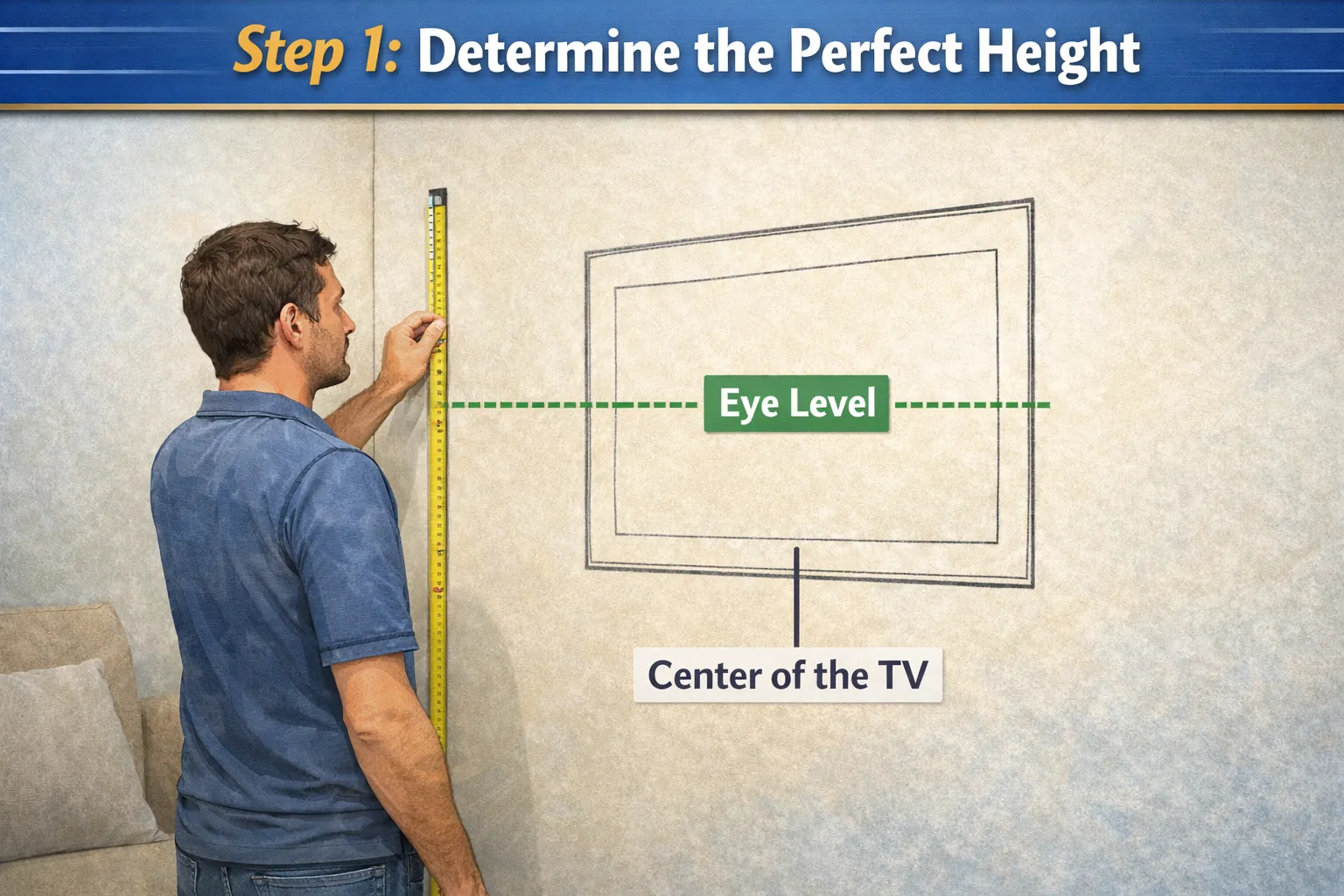
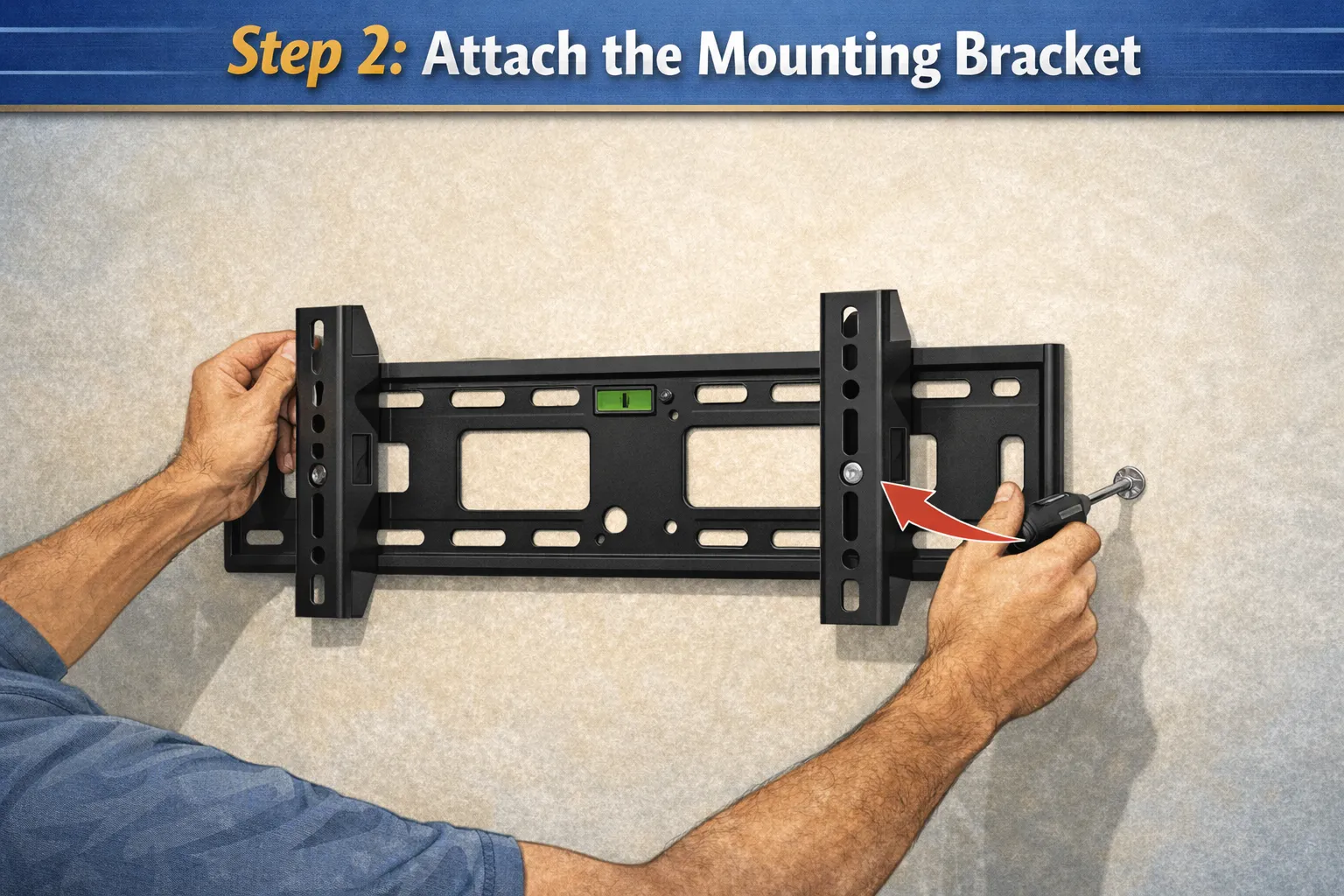
Step 2: Attach the Mounting Bracket
Hold your mounting bracket against the wall at your marked height, making sure it spans at least two studs. Use your level to get it perfectly horizontal-even a slight tilt will be super obvious once the TV is up.
Mark your drilling points through the bracket holes. These should line up with your studs.
 Step 3: Drill Pilot Holes
Drill pilot holes slightly smaller than your lag bolts. This makes installation easier and prevents splitting the studs. If you hit metal (some studs are metal), you’ll need self-tapping screws instead.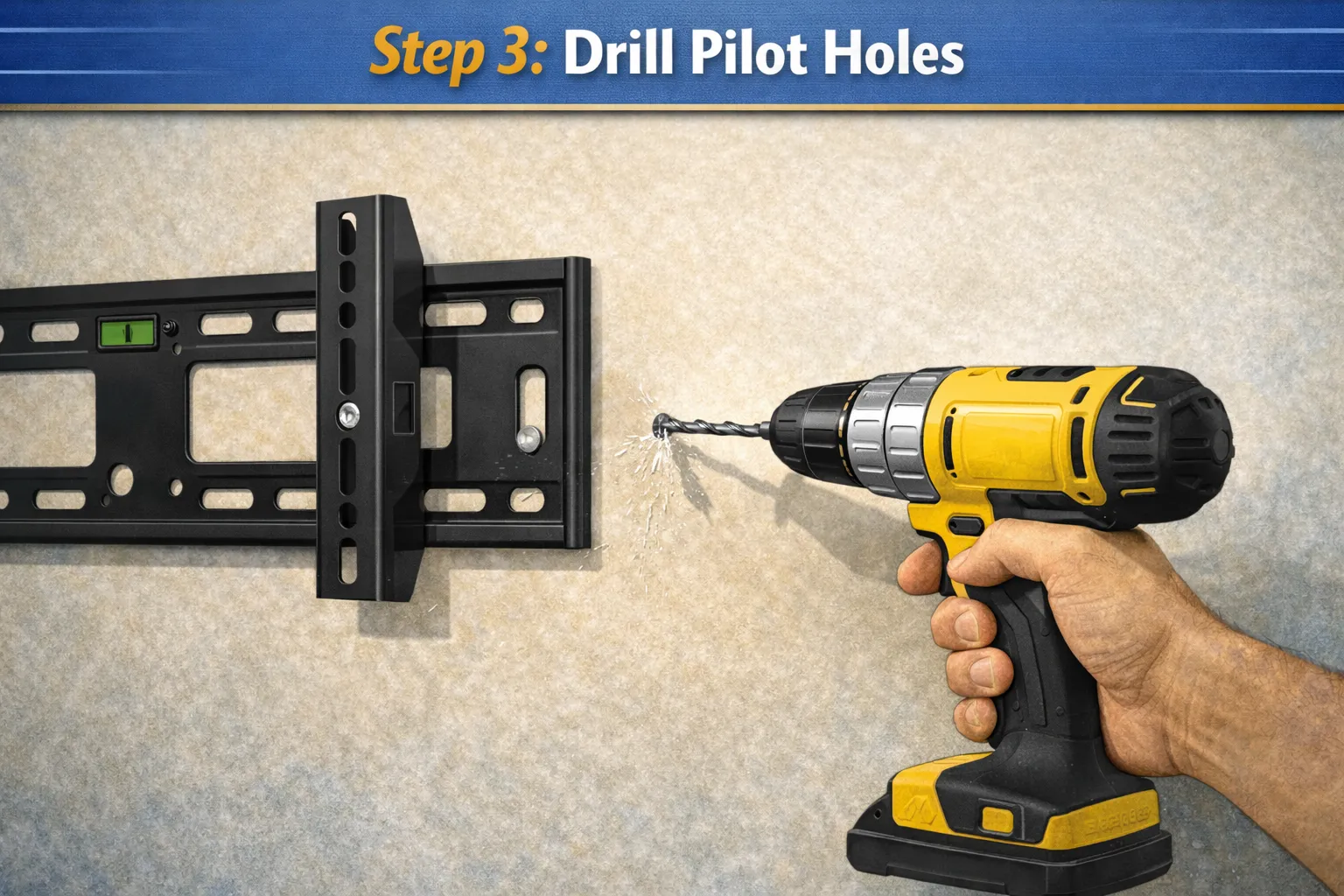
Step 4: Secure the Bracket
Drive those lag bolts through the bracket and into the studs. Use a socket wrench or power drill, and make them tight-this bracket is holding up your investment. Give the bracket a firm tug when you’re done. It shouldn’t budge at all.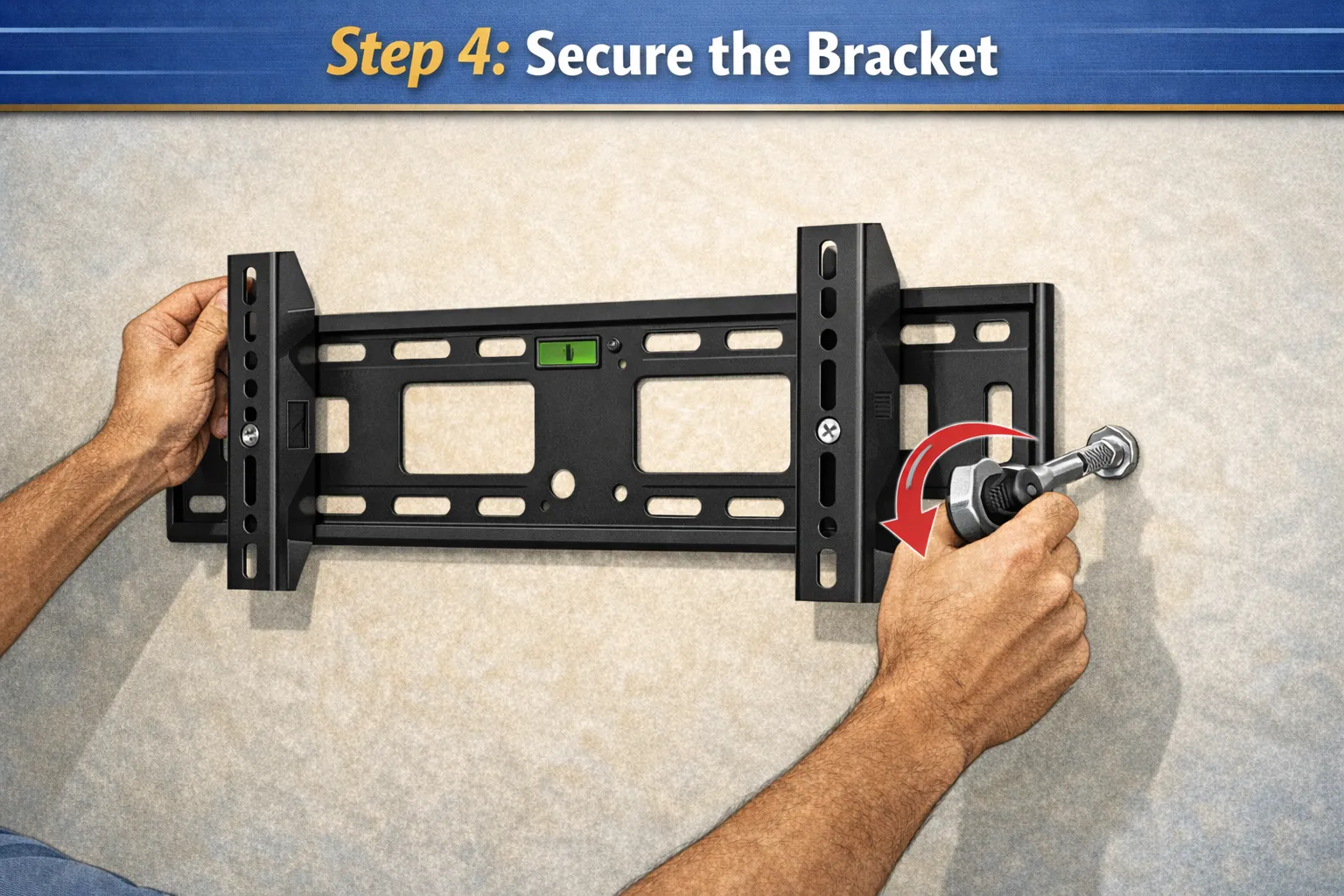
Step 5: Attach the TV Plate
Most mounts come with a separate plate that attaches to the back of your TV. Lay your TV face-down on a soft surface (blankets on the floor work great) and screw the plate into those VESA mounting holes.
Make sure you’re using the right screw length. Too long, and you risk damaging your TV’s internal components. Too short, and it won’t be secure.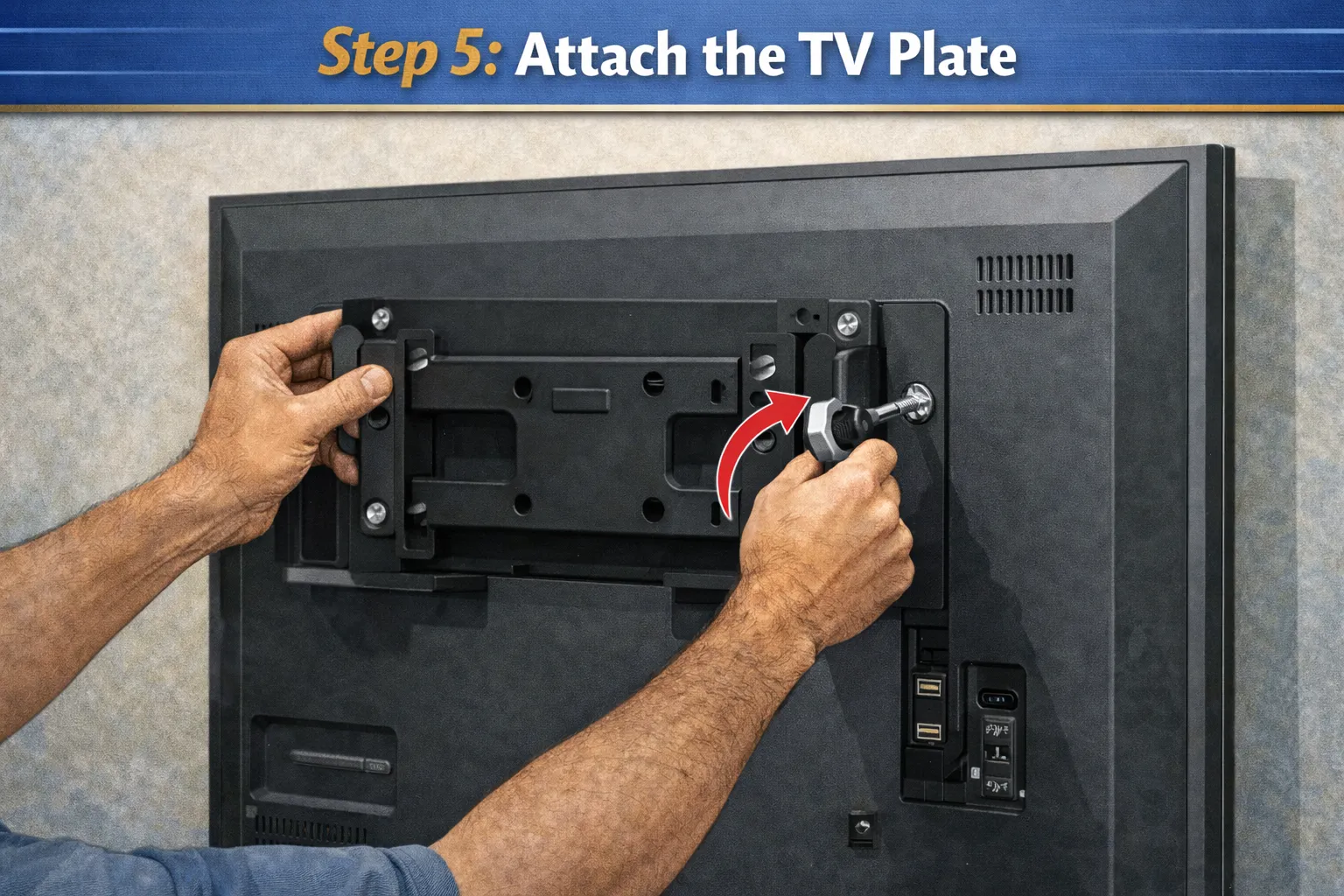
Step 6: Hang Your TV
This is the moment of truth. Have your helper hold the TV while you line up the plate with the wall bracket. Most mounts have hooks or a sliding mechanism-follow your specific model’s instructions.
Once it’s on, check that it’s locked in place. Give it a gentle test pull before letting go completely.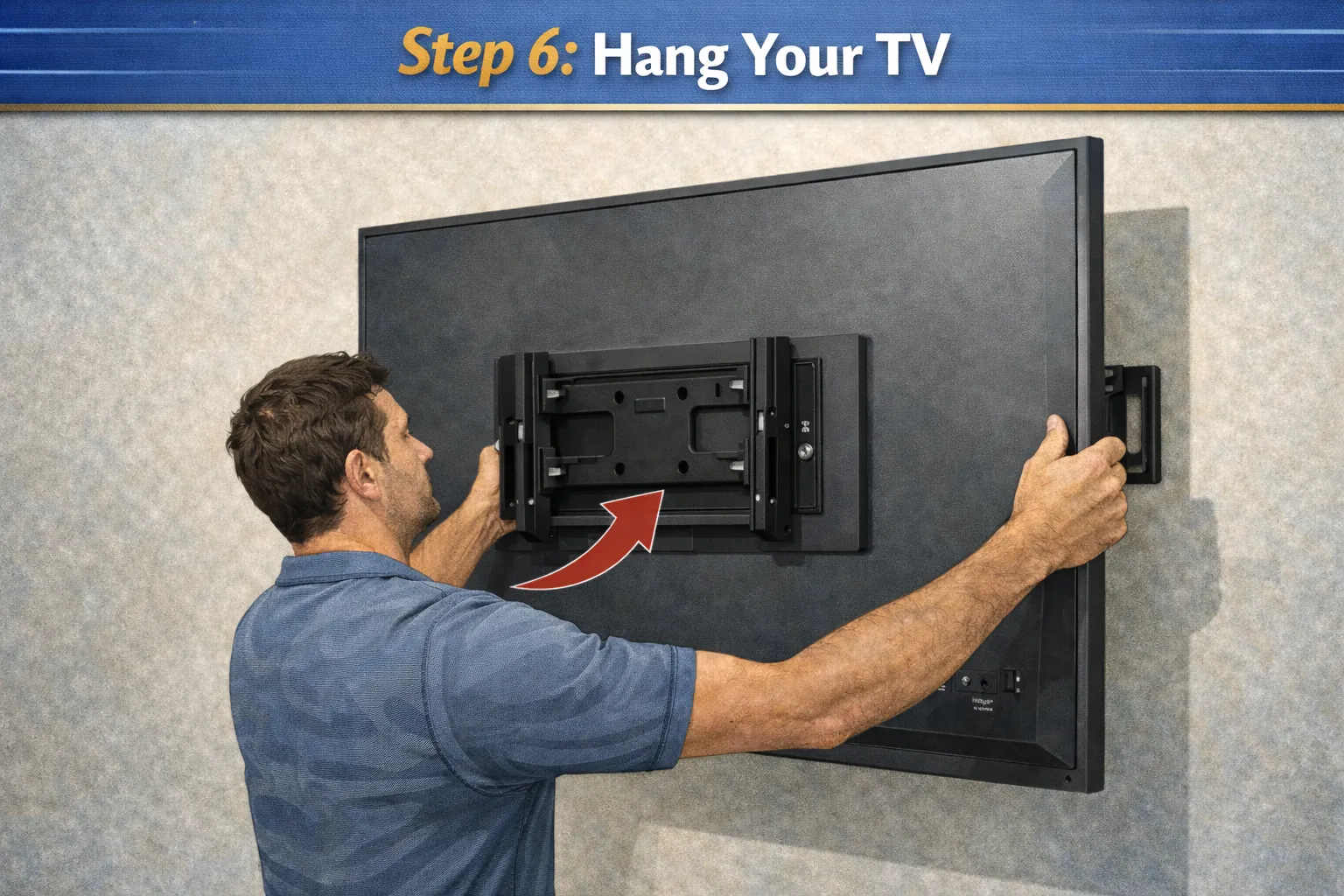
Step 7: Level Check and Adjustments
Step back and check if your TV is level. Most mounts have adjustment screws that let you tweak the positioning. Take your time here-a crooked TV will bug you forever.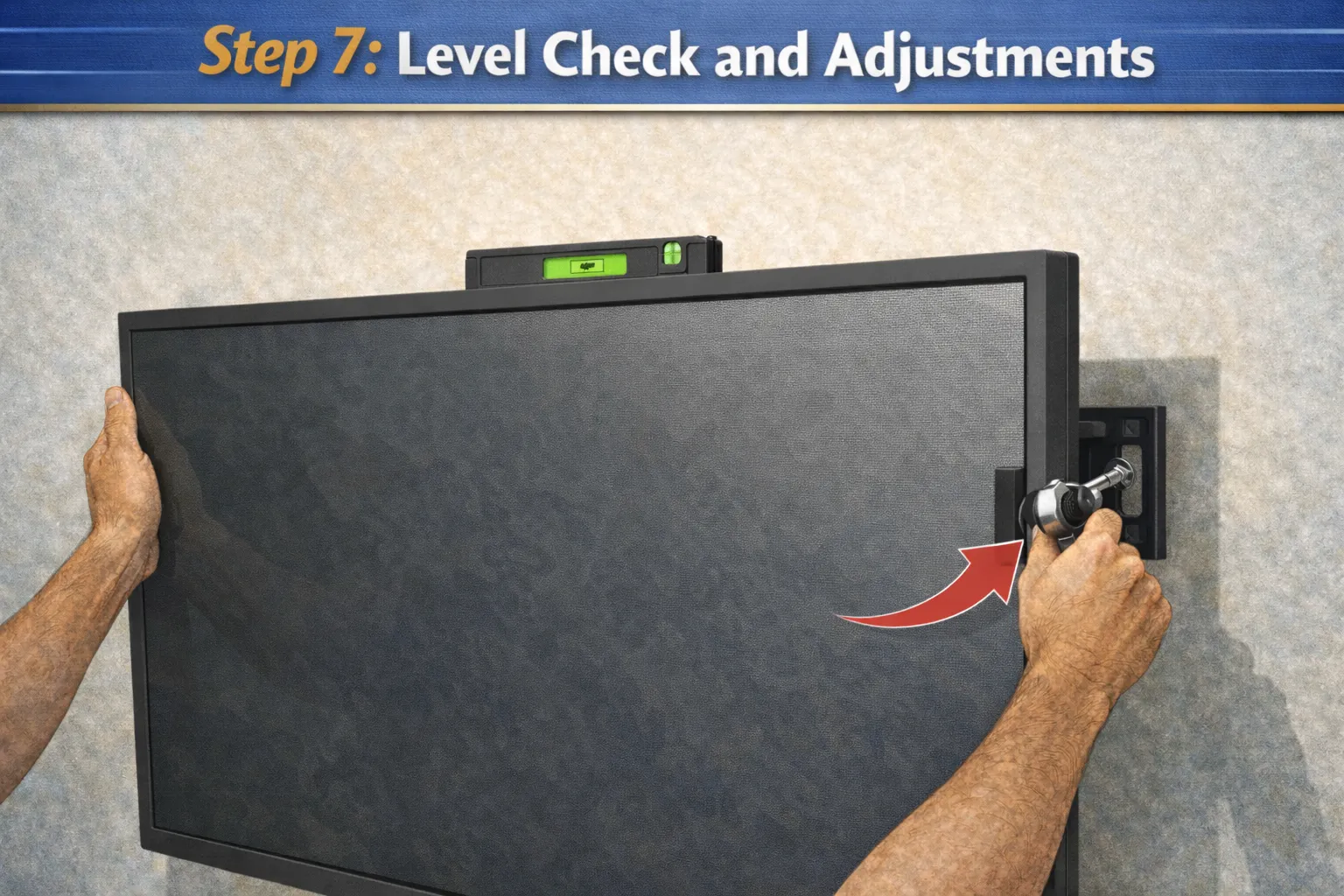
Cable Management: The Finishing Touch
Nobody wants to see a rats’ nest of cables hanging down from their perfectly mounted TV. Here are your options:
In-wall cable kits are the cleanest solution. They let you run cables behind the wall legally and safely. Make sure you get a kit rated for in-wall use.
Cable covers or raceways stick to the wall and hide your wires. They’re not as sleek as in-wall, but they’re easy and rental-friendly.
Simple cable ties can at least bundle everything together neatly if you’re going the basic route.
Safety Tips You Can’t Ignore
Let me hit you with some real talk about staying safe during this project:
- Always mount into studs, not just drywall
- Double-check your mount’s weight rating
- Don’t over-tighten screws-you can strip them
- Keep the power off while dealing with cables
- If you’re mounting above a fireplace, check your TV’s heat tolerance
- Have someone help you lift-TVs are heavier and more awkward than they look
Common Mistakes People Make
Mounting too high: This is the biggest one. Unless you’re mounting in a gym or sports bar, keep it at eye level. Your neck will thank you.
Using the wrong anchors: Those plastic anchors that come with your mount? They’re backup options for non-structural attachment points, not for holding the main weight.
Not checking level: Use that level at every step. Eyeballing it never works.
Forgetting about outlets: Make sure you have power access nearby. Running extension cords to a wall-mounted TV looks terrible.
Ignoring cable access: Plan your cable routing before you mount. Once the TV is up, adding cables gets tricky.
Frequently Asked Questions
Can I mount a TV on drywall without studs? Short answer: no. Long answer: really, really don’t. Even with the strongest anchors, drywall alone can’t reliably hold a TV’s weight over time.
How do I mount a TV on a brick or concrete wall? You’ll need a masonry drill bit and concrete anchors. The process is similar but requires different hardware. Consider hiring a pro if you’re not comfortable with masonry work.
What if there’s only one stud where I want my TV? You have two choices: move your TV placement to capture two studs, or install a wooden mounting board across multiple studs, then mount to that board.
Should I hire a professional instead? If you’re uncomfortable with any part of this process, yes. Professional installation typically costs $100-$300 and includes a guarantee. That peace of mind might be worth it for an expensive TV.
How long does TV wall mounting take? For someone doing it the first time, plan for 1-2 hours. Once you’ve done it before, 30-45 minutes is realistic.
Final Thoughts
Mounting your TV on the wall is one of those projects that seems intimidating until you actually do it. Then you realize it’s just a matter of following steps carefully and not rushing through the important parts.
The key is finding those studs, using the right hardware, and taking your time to get everything level and secure. Do it right, and your TV will hang safely for years.
So grab your tools, recruit a helper, and get that TV off the furniture. Your living room transformation is just a few drill holes away!


















)